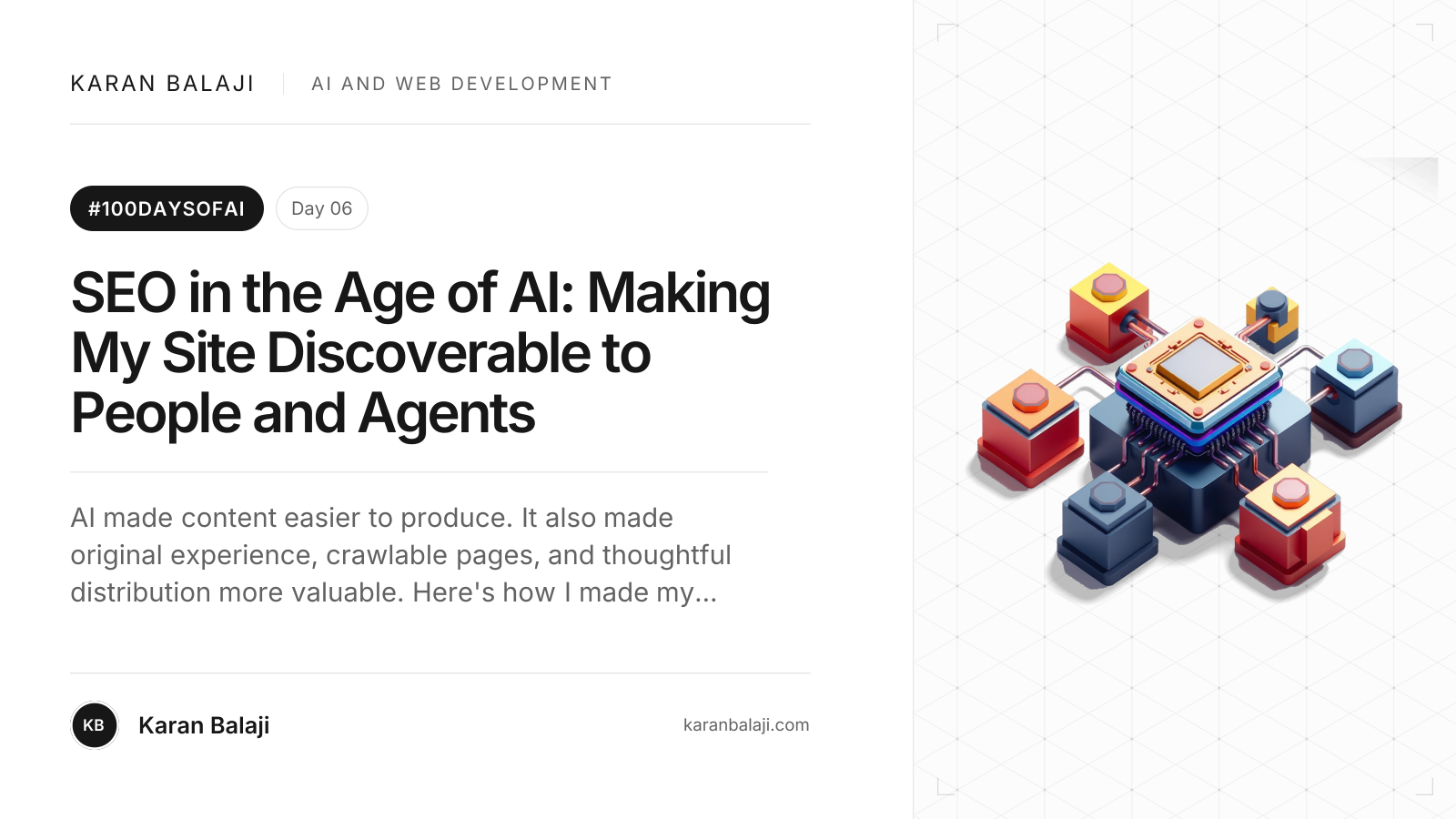
Day 6/100: SEO in the Age of AI: Making My Site Discoverable to People and Agents
AI made content easier to produce. It also made original experience, crawlable pages, and thoughtful distribution more valuable. Here's how I made my site easier for people and agents to discover.
Day 6/100: SEO in the Age of AI: Making My Site Discoverable to People and Agents
AI has made it easier to produce a lot of content. It has not made it easier to produce something worth remembering.
That distinction is becoming the real SEO problem. If anyone can publish another summary in minutes, how do you make useful work stand out? And once you have made it, how do you help a person, a search engine, or an AI agent find it and understand who made it?
I have been working through those questions on my own site, karanbalaji.com, and its separate writing site, blog.karanbalaji.com. The answer has been less about a secret AI ranking trick and more about doing the fundamentals carefully, adding a few useful machine-readable signposts, and making sure the infrastructure does not get in the way.
What is SEO in the age of AI?
Search still has to discover a page, crawl it, understand it, decide whether it belongs in an index, and choose whether to show it. AI answers add new ways to retrieve and cite web pages, but the page still needs to be accessible and useful.
Google's current guidance says the established SEO fundamentals apply to AI Overviews and AI Mode. A page needs to be indexed and eligible to appear with a snippet; there is no special AI schema or extra technical requirement. Google also says inclusion is never guaranteed. Google Search Central: AI features and your website
That is the search-engine part. Agents introduce a related but broader question: can software reliably read the page, understand its structure, find the relevant details, and use its links or forms? A search result and an agent interaction are not the same thing, but both benefit when a site is clear, accessible, and stable.
Why original experience matters more now
When content is cheap to generate, generic content becomes easier to ignore. A prompt can produce a plausible overview of technical SEO. It cannot honestly say what happened when I added separate sitemaps for a portfolio and a blog, inspected the live robots.txt responses, or saw that my Lighthouse run reported a 2.9-second Largest Contentful Paint.
That is where a human writer still has an advantage: firsthand work, choices, tradeoffs, results, and the parts that did not go as planned. Google's guidance on generative AI search emphasizes useful, distinctive content and warns against creating many pages that repeat what is already available without adding value. Google's guide to generative AI search
AI can help me research, outline, edit, and check my work. The job is to bring the experience and judgment that make the result worth reading. I want someone to finish the article with a clearer mental model and a checklist they can actually use, not just another page that restates the top search results.
How to make a site easier to discover
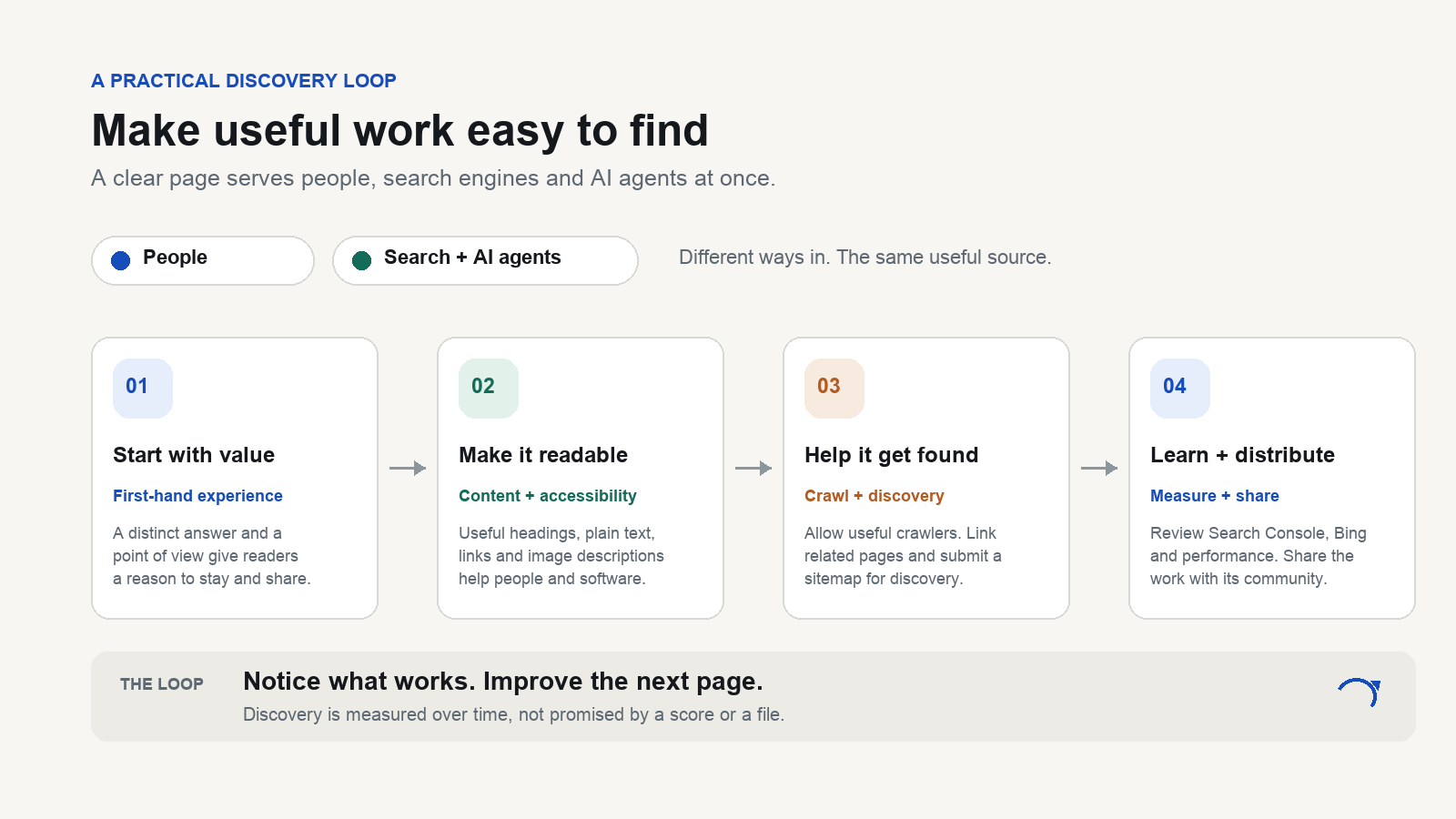
From useful work to discovery: the same clear page serves people and automated systems.
1. Make the real article easy to read
Start with the page itself. Give it one clear title, useful section headings, a concise introduction, descriptive links, and content that is available as text. Use a specific author, publication and update dates when relevant, and a canonical URL that points to the preferred version.
Structured data can clarify what a page is, but it should describe information people can see on the page. For an article, that can include its headline, author, dates, and images. It helps machines interpret the page; it does not make thin content authoritative or guarantee a rich search result.
Images matter too. Give them useful alternative text when they communicate information, keep their dimensions stable to prevent layout shifts, and make sure social sharing has a proper preview image. The same article should make sense if an agent reads the text and never sees the image.
2. Let the right crawlers through
robots.txt is a set of crawl instructions, not a security boundary and not a guarantee of indexing. It is also easy to accidentally block a useful crawler at the hosting or CDN layer even when the file says Allow.
On my portfolio, karanbalaji.com/robots.txt allows public pages, excludes administration and API paths, and points to the portfolio sitemap. On the blog, blog.karanbalaji.com/robots.txt allows public writing, excludes private or transactional routes, and points to the blog sitemap. The two hosts serve different content, so each has its own sitemap URL.
There is another important distinction: blocking a URL in robots.txt controls crawling, while a noindex directive controls indexing for crawlers that can read it. If a page must stay private, use authentication; do not rely on a text file to protect it. Google's robots.txt guide
If a site uses Cloudflare, check both the published file and the edge settings. Cloudflare's AI Crawl Control can show which identified AI crawlers are visiting and let the site owner allow or block them individually. That creates a choice: allow crawlers that can bring useful citations or referrals, and block ones that do not fit the site's content policy. Cloudflare: Manage AI crawlers
I want to make that decision deliberately. “AI crawler” is not one single audience. Search crawlers, answer engines, assistant agents, and model-training crawlers have different purposes. A broad block can stop discovery along with unwanted scraping.
3. Publish a sitemap, then check what happened
A sitemap gives crawlers a clean list of public URLs. My portfolio sitemap includes the home, About, speaking, project, and referral pages. The blog sitemap includes its published articles and topic pages. Both robots.txt files point to the matching sitemap.
The URLs are:
The next step is to submit each URL in Google Search Console and Bing Webmaster Tools, then check whether the sitemap was fetched and whether important URLs have crawl or indexing issues. Submission is a hint, not an indexing command. Google explicitly says that a sitemap submission does not guarantee that it will crawl or use every listed URL. Google: Build and submit a sitemap
For new or updated URLs, Bing also supports IndexNow, which notifies participating search engines about URL changes. It can speed up discovery of a change; it does not guarantee ranking or inclusion. Bing Webmaster Tools: Getting started
4. Treat llms.txt as a helpful map, not a ranking hack
I added karanbalaji.com/llms.txt as a short index for systems that choose to read it. It introduces who I am, points to my About and Speaking pages, links to selected projects, and sends readers to the blog, RSS feed, and blog sitemap.
This file is optional. Google says it does not use llms.txt for Google Search and that maintaining one neither helps nor harms search visibility. That is a useful correction to a lot of confident advice online. If another service finds the file useful, great. It does not replace the page, the sitemap, normal internal links, or good writing. Google's guidance on llms.txt
The About page is still important because it is a real page for people. The short machine-readable file is just a directory pointing to the fuller, public sources. Keep the two aligned when your work, links, or roles change.
5. Measure experiences, not just an SEO score
In one mobile Lighthouse run, my site showed 99 for Accessibility, 100 for Best Practices, and 100 for SEO. The same run measured a 2.9-second LCP, 20 milliseconds of Total Blocking Time, and a 0.001 CLS. It also showed 2/3 checks in Lighthouse's experimental Agentic Browsing category.
Those numbers answer different questions. Lighthouse's Agentic Browsing category is experimental; it currently reports a pass fraction, not a search ranking. Its audits look at signals such as WebMCP tools, accessibility-tree quality, layout stability, and llms.txt. A good result can help me find issues, but it does not prove that agents will cite my writing. Chrome for Developers: Agentic Browsing scoring
Likewise, a Lighthouse run is a lab snapshot. Real-user Core Web Vitals focus on LCP, INP, and CLS. For field data, a good LCP target is 2.5 seconds or less at the 75th percentile; Lighthouse uses Total Blocking Time as a lab proxy for INP, because a lab run does not include real user input. My 2.9-second lab LCP is a signal to investigate, not proof that real-user LCP fails the field threshold. web.dev: Web Vitals
Search Console is where I check Google's crawl, indexing, and search performance. AI-feature visits are included in the overall Web search performance reporting, rather than appearing as a simple “AI rank.” Bing Webmaster Tools now has an AI Performance report showing cited pages and grounding queries; Microsoft describes the data as citation patterns, not a ranking or authority score. Its Topics Portfolio beta, announced on October 13, 2026, groups those queries into broader topic areas. Bing: AI Performance Topics Portfolio
I also share useful work where its audience already gathers: in the community, on social channels, in talks, and through links between related projects and articles. Distribution helps the right people encounter the work and gives them a reason to refer to it. It is not a promise of a search ranking.
What I would do this week
- Open the public page in a private browser window. Does the main content load, and can you read it without relying on client-side interactions?
- Check robots.txt on every host and inspect the CDN or WAF rules that sit in front of it.
- Open each sitemap and make sure it contains only canonical, public URLs that return successfully.
- Submit each sitemap in Search Console and Bing Webmaster Tools. Then inspect processing status and a few important URLs.
- Add or update the About page, author information, canonical links, article metadata, and useful image descriptions.
- Add llms.txt only if it gives systems a concise, accurate map. Keep it maintained, and do not expect it to improve Google rankings.
- Run Lighthouse and review real-user Core Web Vitals separately. Treat accessibility and agent-readiness audits as quality signals, not ranking promises.
- Publish something with evidence, a point of view, and a detail that could only come from doing the work. Then distribute it to people who care about the topic.
Why this matters
SEO in 2026 is still about being findable. The difference is that more systems are trying to read, summarize, and act on the web, while the amount of easily generated content keeps growing.
I do not think the answer is to write for a bot voice or to chase every new score. I want the site to explain who I am, make the important pages easy to reach, give crawlers a clean path, and help readers verify what I am saying. Then I want the article itself to have enough first-hand value that a person would share it and an answer engine has a reason to cite it.
Make the work worth finding. Make the site easy to understand. Measure what happens, and keep improving it.