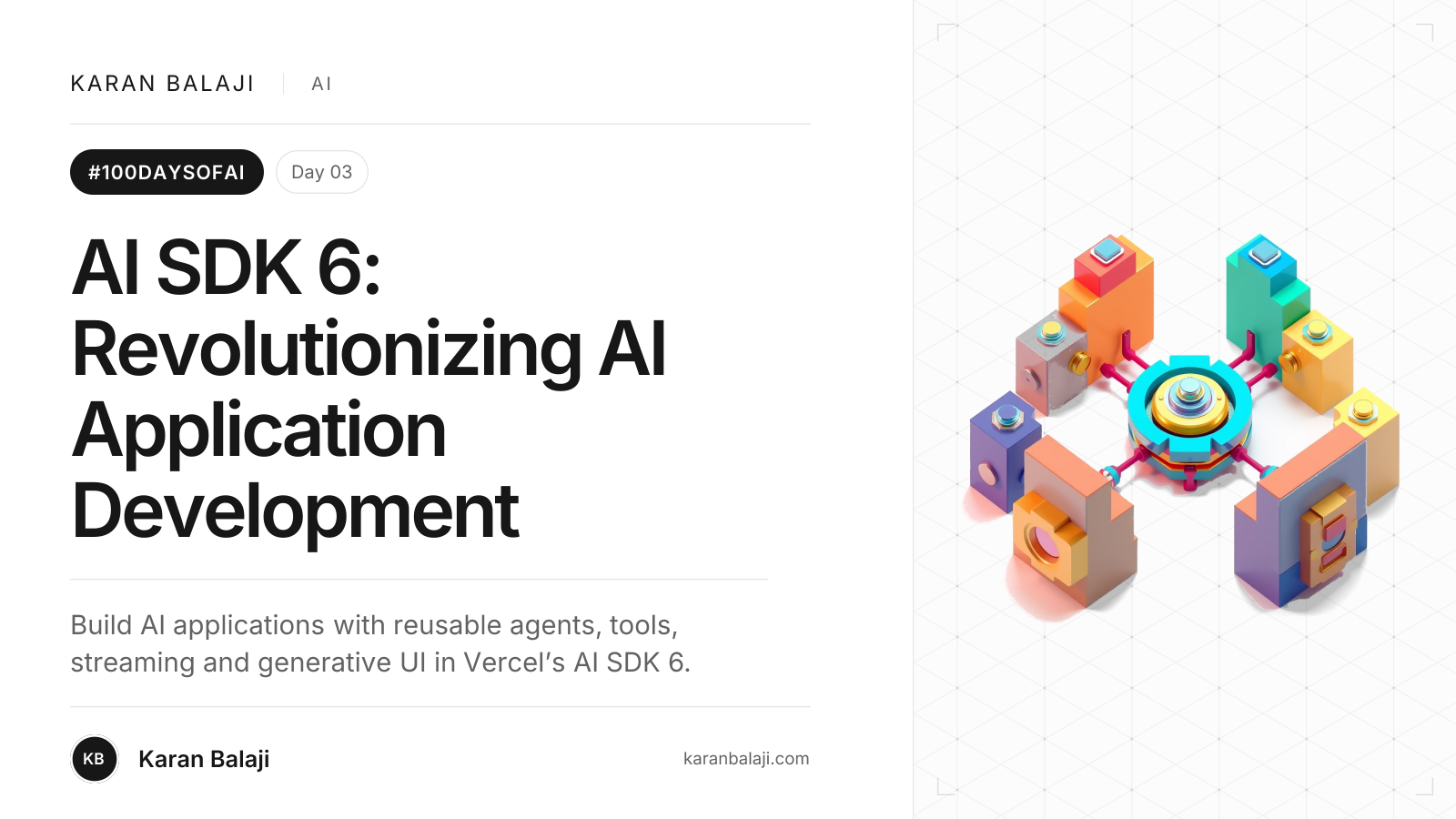
Day 3/100: AI SDK 6: Revolutionizing AI Application Development
Build AI applications with reusable agents, tools, streaming and generative UI in Vercel’s AI SDK 6.
Intro to Vercel’s AI SDK
As part of the #100DaysOfAi series, we're diving into the latest advancements in AI tools. Vercel has just launched AI SDK 6, a significant update to their TypeScript toolkit designed for building AI-powered applications. This release builds on the SDK's foundation, offering enhanced capabilities for developers working with large language models (LLMs) and integrating AI seamlessly into web and server-side projects. With over 20 million monthly downloads, it's a go-to resource for creating everything from simple chatbots to sophisticated agents.
The update emphasizes composability, safety, and efficiency, making it particularly valuable for generative UI experiences where real-time interactions and dynamic content generation are key. We've leveraged it extensively in projects involving generative UI, where streaming responses and tool integrations create fluid, interactive interfaces. Additionally, it pairs well with AI Elements, an open-source library of customizable React components built on shadcn/ui, specifically for constructing chat interfaces and workflows. AI Elements provides prebuilt, headless-first UI primitives like conversations and messages, enabling developers to craft professional chat UIs similar to those in ChatGPT or Claude, handling complexities such as streaming and tool rendering effortlessly.
What is AI SDK 6 About?
AI SDK 6 is the sixth major version of Vercel's AI SDK, a unified TypeScript API for connecting to various AI providers like OpenAI, Anthropic, Google, and xAI. It simplifies building AI applications across frameworks such as Next.js, React, Svelte, Vue, and Node.js. The core focus is on enabling reusable agents, advanced tool handling, and production-ready features that support complex workflows.
Key Highlights and New Features
This release packs over a dozen enhancements, drawing from community feedback and real-world use cases. Here's a breakdown:
Agents Abstraction: Introduces composable agents that can be defined once and reused in UIs, jobs, or APIs. The ToolLoopAgent handles automated loops for LLM calls, tool executions, and iterations, with configurable stops like after 20 steps.
Tool Enhancements:
Execution Approval (Human-in-the-Loop): Flags sensitive tools for manual review, integrating with UIs via hooks like useChat to prompt users.
Strict Mode: Ensures input schemas match exactly, preventing failures.
Input Examples: Guides models with concrete schema examples for better alignment.
toModelOutput Function: Separates full outputs from model-visible data to optimize tokens.
Model Context Protocol (MCP) Support: Now stable, with HTTP transport, OAuth, resources for data exposure, reusable prompts, and elicitation for mid-process user input.
Structured Output with Tool Calling: Unifies generation functions to support multi-step loops ending in objects, arrays, choices, JSON, or text.
DevTools: A debugging interface for inspecting agent flows, including prompts, outputs, and metrics. Launch it with a simple command for real-time visibility.
Reranking: Reorders search results for relevance using providers like Cohere, improving context for models.
Standard JSON Schema: Compatible with any schema library following the V1 standard, eliminating custom converters.
Image Editing: Extends image generation to include reference images for edits, like transforming one image based on a prompt.
Raw Finish Reasons and Extended Usage: Provides provider-specific stop reasons and detailed token breakdowns for better optimization.
LangChain Adapter Rewrite: Supports modern LangChain features, including streams, interrupts, and browser-side connections.
Provider-Specific Tools: Expands with tools like memory and code execution for Anthropic, shell and patch for OpenAI, maps and RAG for Google, and search/code for xAI.
Breaking changes are minimal, with an automated codemod for migration. The SDK now aligns with the v3 Language Model Specification, enhancing agent and tool capabilities.
How to Implement AI SDK 6
Implementing AI SDK 6 starts with installation via npm: npm install ai. For upgrades, use the migration codemod: npx @ai-sdk/codemod upgrade.
Practical Examples and Use Cases
Building an Agent
Define an agent with a model, instructions, and tools:
import { createAgent } from 'ai';
import { openai } from '@ai-sdk/openai';

const agent = createAgent({
  model: openai('gpt-4o'),
  instructions: 'You are a helpful assistant.',
  tools: [/* your tools here */],
});

const result = await agent.generate({ prompt: 'User query here' });
In generative UI, stream responses using stream for real-time updates in a chat interface built with AI Elements components.
Tool Execution with Approval
For safety in production:
const deleteFileTool = {
  name: 'deleteFile',
  description: 'Delete a file',
  parameters: z.object({ path: z.string() }),
  needsApproval: true, // Requires human review
  execute: async ({ path }) => { /* deletion logic */ },
};
Integrate with useChat hook in React for UI prompts.
Reranking for Better Search
Improve RAG pipelines:
import { rerank } from 'ai';

const rerankedDocs = await rerank({
  model: cohere('rerank-english-v3.0'),
  query: 'Best AI tools',
  documents: [/* list of docs */],
});
Use case: In a sales agent like Claygent, rerank web-scraped data for targeted insights.
Image Editing
Generate edited images:
import { generateImage } from 'ai';

const image = await generateImage({
  model: openai('dall-e-3'),
  prompt: 'Two tanukis on a date',
  referenceImages: ['url-to-original-image'],
});
Ideal for generative UI where users iteratively refine visuals.
For chat interfaces, combine with AI Elements:
import { Conversation, Message } from '@vercel/ai-elements';

function ChatUI() {
  return (
    <Conversation>
      <Message role="user">Hello!</Message>
      {/* Stream AI responses here */}
    </Conversation>
  );
}
This setup handles streaming, tool calls, and persistence seamlessly.
Why AI SDK 6 is Important
AI SDK 6 addresses critical pain points in AI development, such as scalability, safety, and interoperability. By introducing agents and human-in-the-loop features, it reduces risks in production environments, making AI more reliable for enterprises like Thomson Reuters, who built CoCounsel rapidly. Its focus on type safety and reusability accelerates development, cutting time from months to weeks.
In the broader AI landscape, it empowers generative UI by enabling dynamic, interactive experiences that feel natural and responsive. Paired with AI Elements, it democratizes building advanced chat systems, fostering innovation in workflows and assistants. As AI adoption grows, tools like this ensure developers can integrate cutting-edge models without vendor lock-in, driving efficiency and creativity in the #100DaysOfAi journey.
SEO title: AI SDK 6: Key Features & Guide
SEO description: Explore Vercel's AI SDK 6 with agents, tools, and generative UI tips. Learn implementation, highlights, and why it's essential for AI apps.
Sources: