Day 15/100 in #100DaysOfDesign: Unveiling the Art of Visual Design in UX
(Why) - The Power of Visual Design in UX ✍️ On Day 15 of my #100DaysOfDesign journey, we dive deep into the realm of Visual Design in UX. The visual layer of a product or website is where aesthetics meet functionality, and it plays a pivotal role in ...
(Why) - The Power of Visual Design in UX
✍️ On Day 15 of my #100DaysOfDesign journey, we dive deep into the realm of Visual Design in UX. The visual layer of a product or website is where aesthetics meet functionality, and it plays a pivotal role in shaping user experiences.
(What) - Exploring Visual Design Principles
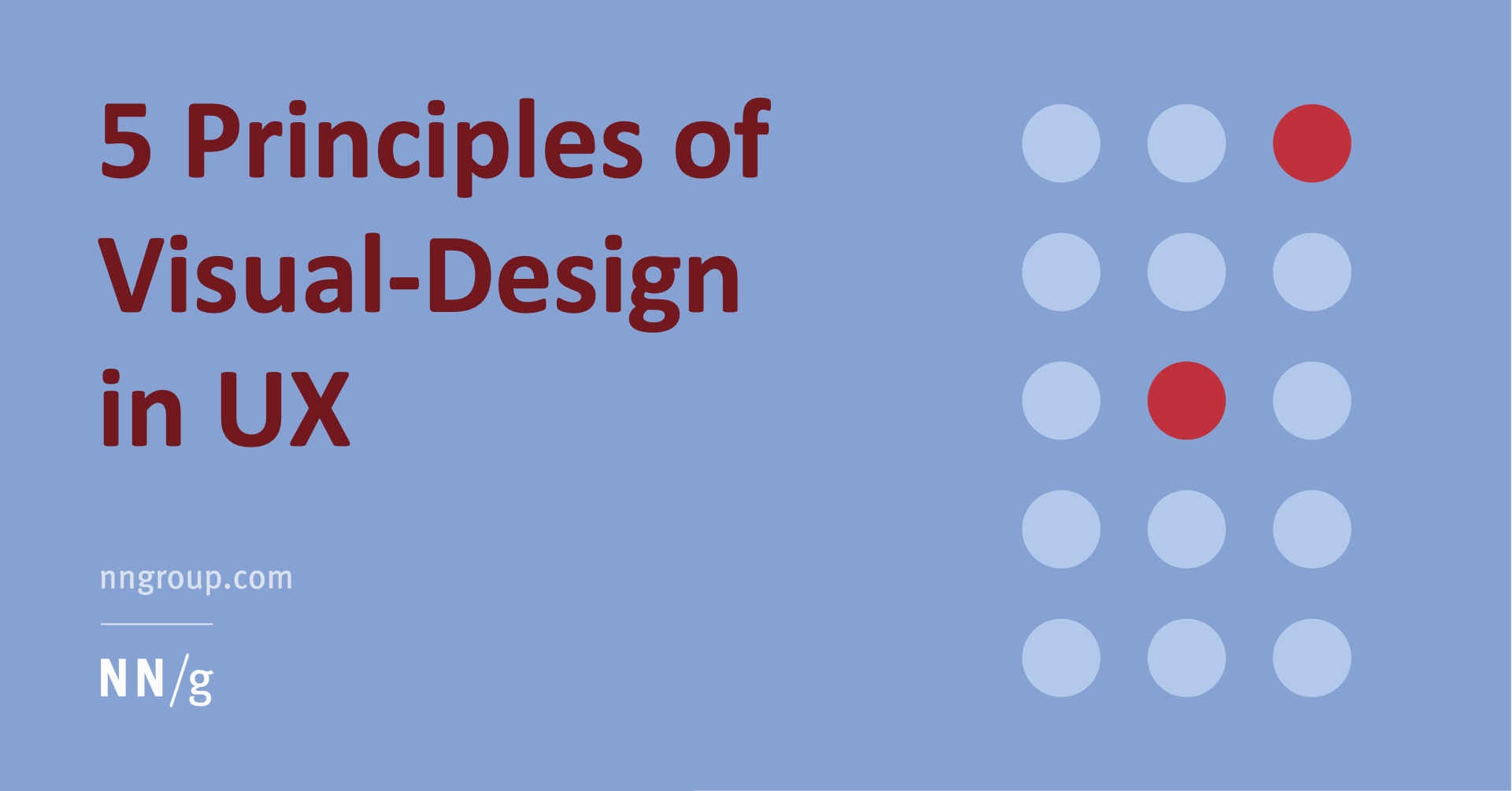
✍️ To understand the significance of visual design in UX, we can look to the comprehensive study guide by Nielsen Norman Group: Visual Design in UX: A Study Guide. This guide defines five fundamental visual design principles that have a profound impact on user experiences:
Scale: The size of elements in the design influences their perceived importance and guides user attention.
Visual Hierarchy: Organizing elements to communicate their relative importance and guide users through the content.
Balance: Achieving equilibrium in the design, distributing elements effectively to create harmony and appeal.
Contrast: Leveraging differences in color, shape, and size to highlight key elements and create visual interest.
Gestalt: Understanding how the brain perceives and groups visual elements into meaningful patterns.
(How) - Applying Visual Design Principles
🖼️ The application of these principles in UX design can be transformative. They inform how information is presented, guide users' interactions, and impact the overall usability of a product or interface.
From the choice of fonts and colors to the layout of elements on a webpage or app, every decision is influenced by visual design principles. When thoughtfully applied, these principles enhance user engagement, facilitate comprehension, and create visually pleasing designs.
(Why It Matters) - Elevating User Experiences
🌟 Visual design isn't just about making things look pretty; it's about making them work beautifully. By embracing these principles, we can create digital experiences that are not only aesthetically pleasing but also intuitive, informative, and engaging.
As I journey through the dynamic landscape of design, visual design principles are a guiding light, ensuring that the products and interfaces I craft resonate with users on a profound level.
Stay tuned for more design revelations as we continue to explore the ever-evolving world of design and technology.